
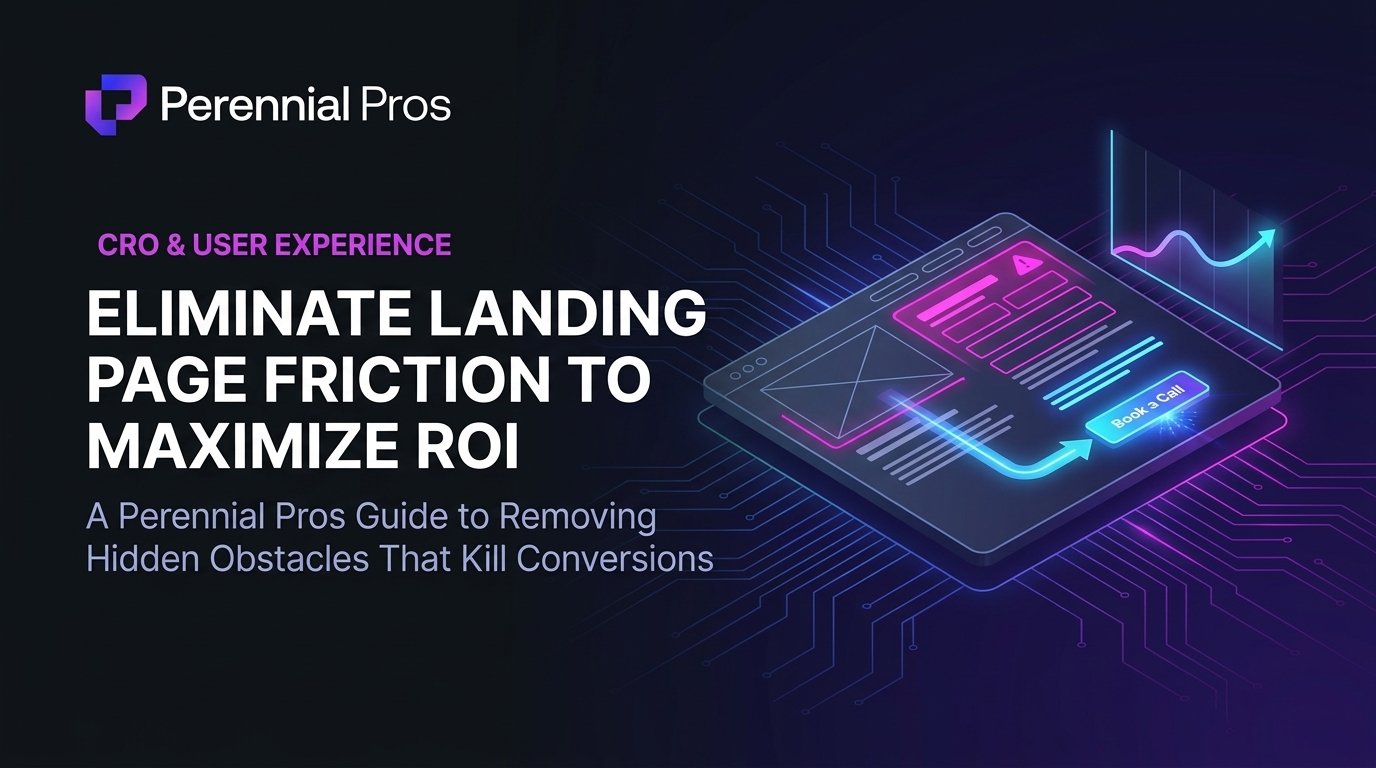
You are spending hard-earned budget on targeted campaigns, craft precise ad copy, and capture the interest of highly qualified prospects. They click through to your landing page, and then… nothing.
The traffic is there, but the conversions aren’t.
When a landing page fails to convert, businesses often blame the offer, the pricing, or the lead quality. But more often than not, the culprit is invisible to the untrained eye: design friction.
Design friction refers to any visual, structural, or cognitive obstacle that slows down, confuses, or frustrates a visitor on their path to taking action. Like a slow leak in a pipeline, these micro-obstructions quietly drain your conversion rates and destroy your ROI.
To stop the leak, you must identify and eliminate these critical design friction points.
1. The Cluttered Above-the-Fold Zone (Visual Overhead)
When a prospect lands on your page, they shouldn’t have to work to find what they need. If they are greeted by a wall of text, multiple competing calls-to-action, or busy animations, their brain registers “work” and they bounce.
- Friction Point: The “Times Square” effect, packing the viewport with banners, sidebars, multi-layered navigation, and rotating sliders.
- The ROI Fix: Adopt a “one-page, one-goal” philosophy. Ensure your above-the-fold contains only three elements: one high-impact value proposition, one brief explanatory sentence, and one highly visible Call-to-Action (CTA). Surround this group with generous, deliberate white space to give it focus and breathing room.
2. Decision Paralysis (Too Many CTAs)
If you ask your visitor to do three different things, they are highly likely to do nothing at all.
- Friction Point: Featuring competing conversion goals on a single landing page (e.g., “Book a Call”, “Download Our Ebook”, “Sign Up for the Newsletter”, and “Explore Our Services”).
- The ROI Fix: Establish a strict visual and functional hierarchy. Choose one primary action (like “Book a Call”) and ensure it is the most visually dominant element on the page. Secondary actions, if absolutely necessary, should be heavily de-emphasized (e.g., as simple text links) and never compete with your main conversion goal.
3. Form Intimidation (The Interrogation)
Asking for too much information too early is the digital equivalent of proposing on a first date. Long, complex forms trigger immediate friction, causing potential leads to abandon the page before submission.
- Friction Point: Forms that demand excessive input, include unnecessary mandatory fields, or feature tiny, cramped input boxes.
- The ROI Fix: Use “The Bare-Minimum Rule.” Ask only for what you absolutely need to qualify and follow up (usually just name, email, and company/URL). If you must collect more data, use multi-step forms with progress indicators to break the information into digestible, low-friction chunks.
4. Mobile Layout Distortion (Interference)
With over 60% of B2B and consumer web traffic now occurring on mobile devices, a landing page that works perfectly on desktop but breaks on mobile is an active liability.
- Friction Point: Overlapping text, tiny buttons that are impossible to tap, images that swallow up the viewport, and slow-loading scripts that fail on cellular connections.
- The ROI Fix: Design for “thumb-zone” accessibility. Ensure your primary buttons are large, isolated, and easy to click with a thumb. Keep navigation and forms centered, compress all image files, and eliminate heavy, non-essential visual fluff.
5. Unconscious Insecurity (The Missing Proof)
Without reassurance, clicking a “Book a Call” or “Submit” button feels like a risk. If your page lacks trust signals, the user’s natural skepticism will override their curiosity.
- Friction Point: Vague claims without supporting evidence, or isolating your reviews and case studies at the very bottom of a long scroll where no one see them.
- The ROI Fix: Weave trust and social proof naturally into the conversion journey. Place client logos, star ratings, or a short, high-impact testimonial just below your primary above-the-fold CTA. It acts as an immediate endorsement at the exact moment the prospect is deciding whether to continue.
Perform a 5-Minute “Friction Audit”
To audit your page, take these quick steps:
- The Squint Test: Squint at your above-the-fold screen. Can you instantly identify the primary button?
- The 3-Second Check: Show your landing page to someone who hasn’t seen it for 3 seconds. Do they know exactly what you do and what the next step is?
- The Mobile Try: Attempt to fill out your intake form on your phone using only one hand. Is it painless?
Convert Objections Into Outcome
Optimizing your landing page ROI isn’t about adding flashy graphics or complex animations. It’s about clearing the runway. By systematically identifying and removing every visual, cognitive, and functional obstacle on your landing page, you make the decision to engage effortless.
At Perennial Pros, we design, develop, and optimize high-converting landing pages, user journeys, and automated operational systems engineered for precision, visual clarity, and conversion velocity.
Ready to eliminate the invisible barriers to your conversion growth?
👉 Contact the Perennial Pros team today to audit your digital platforms and optimize your landing page for high-value ROI.
“Be among the first to receive pricing, floor plans, homesite releases and community updates as they become available.”
— esplanadeatrivergrassnaples.com