
Getting qualified prospects to book a discovery call is the lifeblood of high-ticket B2B service agencies, consultancies, and digital solution providers.
Yet, most B2B websites treat the “Book a Call” button like a magical lever: they stick it in the top corner of their navigation menu, paste it three times on the homepage, and wonder why nobody clicks it.
Asking a cold visitor to book a 30-minute meeting with you before earning their trust is the digital equivalent of proposing on a first date.
A high-converting website doesn’t beg for calls; it engineers a smooth, psychological runway. Here is how to architect an intentional user journey that guides prospects from curious browsers directly to your calendar.
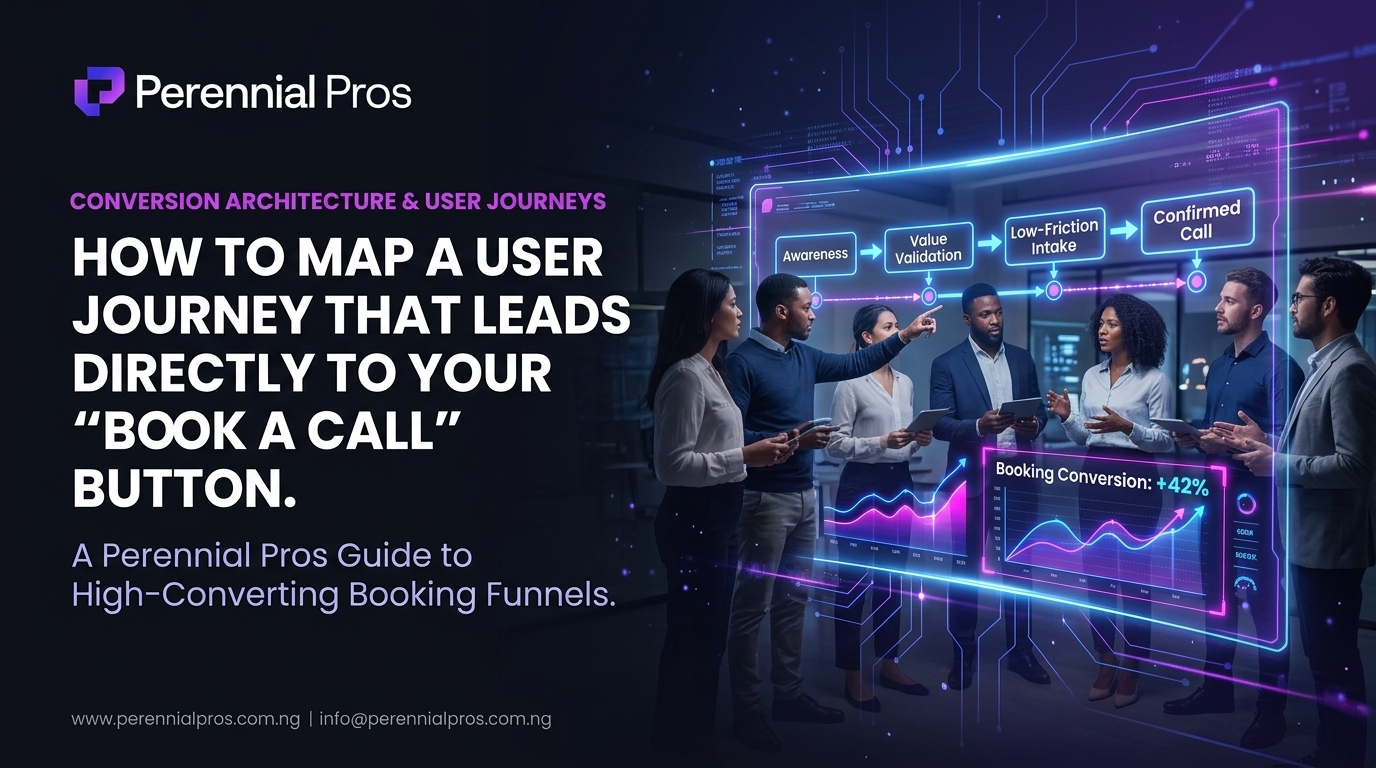
1. Map to Mindset: The 4-Stage Booking Funnel
Visitors arrive with varying degrees of problem awareness. If you present the call link before establishing relevance, you trigger immediate resistance. Your page architecture must guide users through four distinct mental shifts:
[Awareness]      → "I recognize my operational/growth bottleneck."
      ↓
[Comprehension]  → "I understand how this specific solution framework solves it."
      ↓
[Validation]     → "I see undeniable proof that it works for businesses like mine."
      ↓
[Commitment]     → "Booking this call is the natural, low-risk next step."
Each content block on your landing page or site must earn the right to advance the user to the next stage.
2. Eliminate Premature Call Demands
When an executive lands on your website, they do not wake up wanting to add another meeting to their calendar. Their first priority is evaluating whether you understand their specific pain point.
- Match CTA Intent to Content Depth: Avoid slapping an aggressive “Book a Strategy Call Now” button right in the hero section if your brand isn’t widely known.
- Use Low-Friction Exploration First: Pair your primary hero CTA with a secondary anchor that lets the user explore further (e.g., “Explore Our Solutions” or “See Case Studies”).
- Reserve the Direct Booking Form for the Conversion Zone: Present the integrated calendar widget or direct booking form only after you have delivered clear value propositions, breakdown diagrams, and proof points.
3. Demystify the Call (Lower the Perceived Risk)
The #1 reason qualified prospects hesitate to book a call is the fear of being trapped in an aggressive, high-pressure sales pitch.
To dismantle this friction, clearly label what happens before, during, and after the call right next to your booking widget:
| Common Visitor Hesitation | Journey Fix (Microcopy Next to CTA) |
| “Will this be a pushy sales pitch?” | “No hard pitches. A pure 20-minute diagnostic session to assess your current systems.” |
| “Do I have to prepare a bunch of data?” | “Zero prep required. We will review your workflow live on screen.” |
| “Who will I actually speak with?” | Display the host’s name, photo, and title: “Speak directly with a Senior Systems Architect.” |
Replacing ambiguity with total transparency immediately increases form completion rates.
4. Engineer Contextual In-Page Pathways
A prospect rarely reads a website linearly from top to bottom. They skim headings, jump across tabs, and inspect case studies. Your journey design must catch them wherever their interest peaks.
- The Problem-Agitation Pathway: Below your breakdown of common industry bottlenecks (e.g., manual copy-pasting, lost leads, clunky handoffs), place a contextual text link: “Tired of these leaks? Schedule a workflow audit.”
- The Case Study Pathway: Immediately following a measurable result (e.g., “How we reduced client onboarding time by 60%”), insert a targeted button: “See how this framework applies to your business.”
- The Sticky Bottom Tray (Mobile): For mobile visitors, use a subtle sticky bottom bar that appears only after they have scrolled past 40% of the page. This keeps the booking action accessible without obstructing body text.
5. Streamline the Intake Form to Protect Conversion Velocity
Once a prospect clicks “Book a Call,” every additional step between that click and a confirmed calendar invite increases drop-off risk.
- Embed Direct Scheduling: Don’t redirect users through a multi-page labyrinth. Embed your interactive scheduling tool (e.g., Calendly, Cal.com, or your custom scheduler) directly on a dedicated, distraction-free booking page.
- Cap Qualifying Fields at 3–4 Questions: Collect only what is necessary to prepare for the meeting such as Name, Work Email, Company URL, and “What is your single biggest operational bottleneck right now?”
- Automate the Confirmation Sequence: Instantly deliver calendar invites containing meeting links, accompanied by an automated email or WhatsApp reminder to eliminate no-shows.
Turn Your Website Into a Predictable Pipeline
A high-converting “Book a Call” funnel is not about luck; it is about respecting the user’s cognitive journey, proving your capability before asking for their time, and removing every ounce of technical and psychological friction.
At Perennial Pros, we architect high-performance digital platforms, optimize conversion funnels, and build end-to-end automated business workflows designed to turn inbound interest into booked pipeline.
Ready to redesign your conversion journey and turn website visitors into qualified calls?
👉 Contact the Perennial Pros team today to audit your website’s conversion architecture and start booking more high-value clients.